Download Retained Access Program
Free for Android. Installs in a few taps, runs entirely offline, and keeps every vehicle you work on organized in one place.

Request the current build
Retained Access Program is currently distributed directly while we work on getting onto the Play Store. App install instructions are located below.
Direct APK Download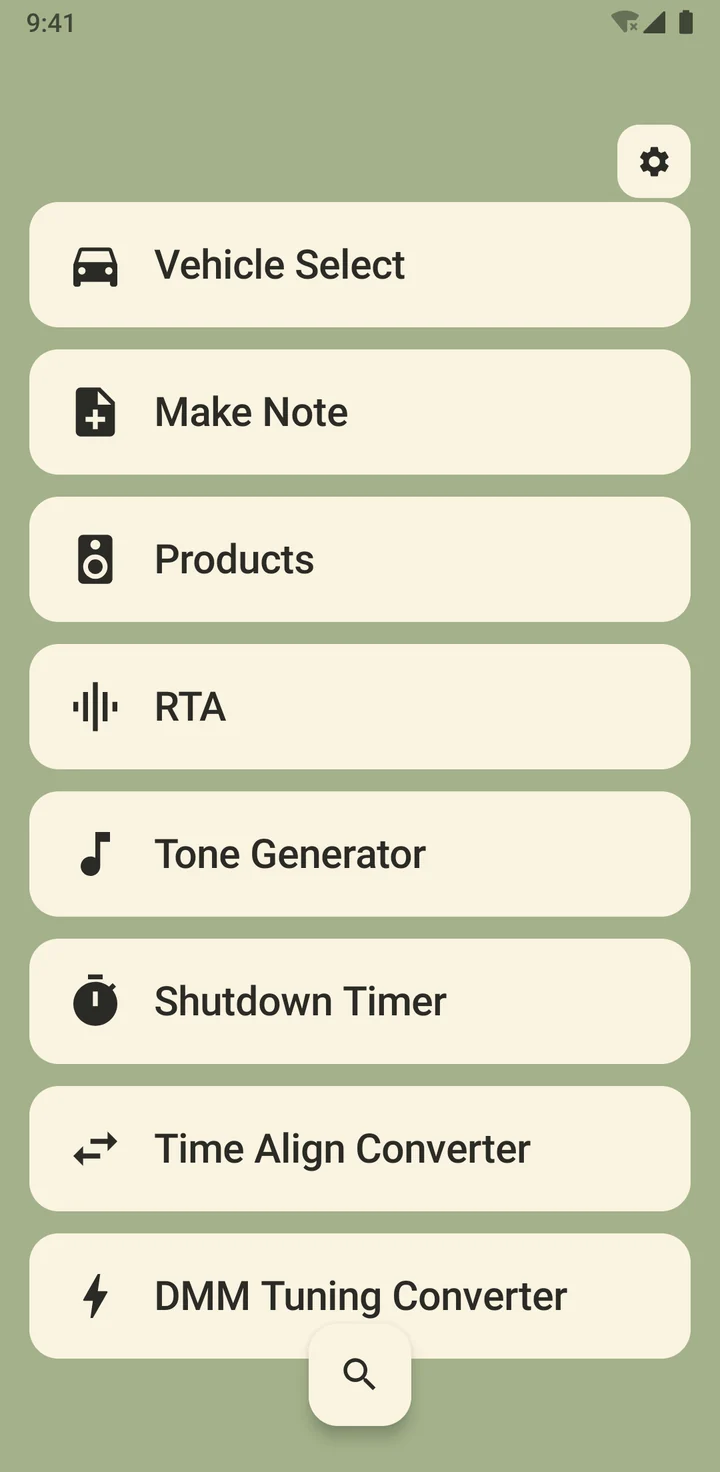
Installing from outside the Play Store
Since the app currently arrives as a direct APK file rather than through the Play Store, Android will ask for a one-time permission before the install can proceed. Here's the process:
-
Open the APK file from the email or download link on your Android phone.
-
Allow installs from this source when prompted — Android calls this "Install unknown apps." You'll only need to approve this once for the app you're installing from (like your email or file manager).
-
Tap Install and wait a few seconds. Retained Access Program will appear on your home screen once it's done.
-
Open the app — no account, no sign-in, no setup wizard. Add your first vehicle and you're working.